[태그:] AI coding tools

  • Vibe Coding in 2026: Can You Really Build an App Without Writing Code?

    Vibe Coding in 2026: Can You Really Build an App Without Writing Code?

    You’ve probably seen it on LinkedIn or Twitter. Someone posts a video: they type a sentence into a box, hit enter, and — boom — a working app appears on screen. No terminal. No Stack Overflow. No three-hour debugging session.

    That’s vibe coding. And in 2026, it’s no longer a party trick.

    But before you close your laptop and tell your developer friend they’re out of a job, let’s slow down and actually understand what this is, how it works, and what it can — and can’t — do for you.


    What Is Vibe Coding, Exactly?
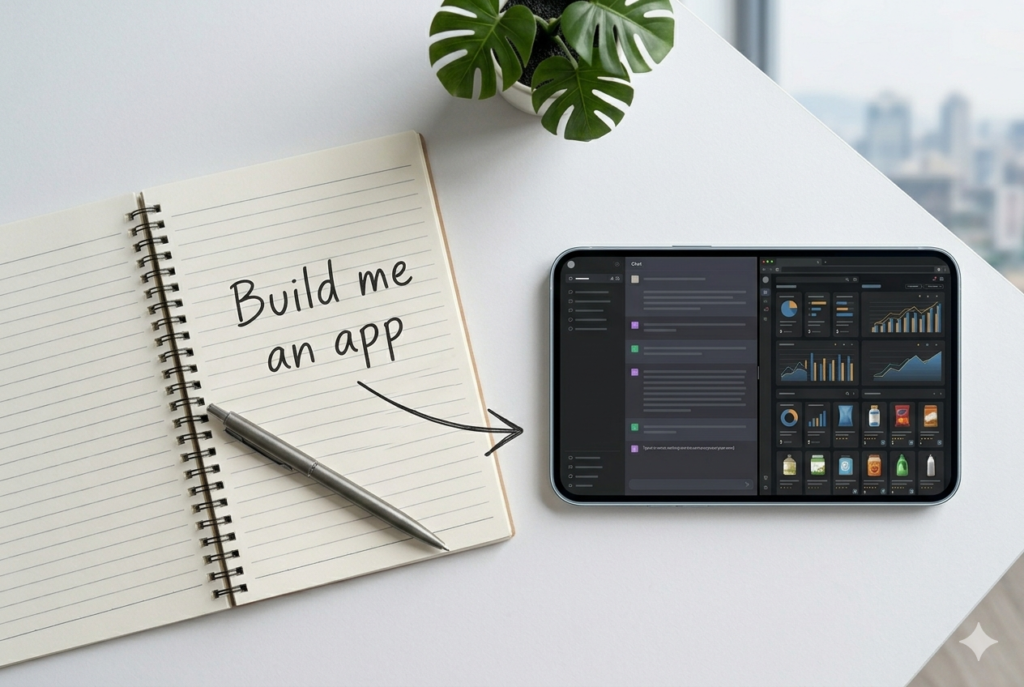
    The term was coined by OpenAI co-founder Andrej Karpathy in early 2025. The idea is simple: instead of writing code, you describe what you want in plain language, and an AI writes the code for you. You just… vibe with it.

    In practice, it looks like this:

    • You type: “Build me a landing page for my coffee subscription business with a sign-up form and pricing table.”
    • The AI generates the full code — HTML, CSS, JavaScript, maybe even a backend.
    • You click around, tweak things by describing what you want changed, and ship it.

    No syntax. No semicolons. No wondering whether the bug is on line 47 or line 48.


    Why Is Everyone Talking About It in 2026?

    Because it actually works now — at least for a lot of use cases.

    When platforms like Lovable, Cursor, and Bolt first appeared on top AI app lists back in 2025, they represented something genuinely new: AI products that didn’t just answer questions or generate media, but built things on the user’s behalf. That was agentic behaviour, scoped to a single vertical. A16z

    Fast forward to today, and the ecosystem has matured fast. Traffic across the top vibe coding platforms has continued growing — though the initial explosion has slowed — while revenue keeps climbing as developers and teams use them more intensively. A16z

    The bigger shift? It’s no longer just developers using these tools. Founders, marketers, and product managers are now spinning up prototypes without touching a code editor. That’s the part that’s actually new.


    The Biggest Vibe Coding Tools Right Now

    Here’s a quick breakdown of the main players you’ll hear about:

    ToolBest forFree tier?
    CursorDevelopers who want AI inside a real code editorYes
    LovableNon-developers building full web appsYes (limited)
    ReplitQuick prototypes, collaborative codingYes
    BoltFast front-end builds from a promptYes
    v0 (Vercel)UI components and React interfacesYes

    Replit and Lovable both feature in the top consumer AI apps list as of early 2026, alongside Claude Code (via Claude) — which tells you just how mainstream this category has become. A16z

    Most of these tools integrate with the latest frontier models. Windsurf, for example, currently tops the AI development tool rankings with features like side-by-side model comparison, parallel multi-agent sessions, and its Cascade AI agent — available from free up to $60/month. LogRocket


    What Can You Actually Build With Vibe Coding?

    This is the honest part. Vibe coding is genuinely powerful for:

    ✅ Things it handles well:

    • Landing pages and marketing sites
    • Simple web apps (to-do lists, calculators, booking forms)
    • Prototypes and MVPs to show investors or test ideas
    • Internal tools (dashboards, spreadsheet automations)
    • Brochure-style SaaS frontends

    ❌ Things where it still struggles:

    • Complex backend logic with lots of edge cases
    • Apps that need to handle real user data securely at scale
    • Anything requiring deep integration with legacy systems
    • Performance-critical applications

    The honest truth? In 2026, the industry is moving from flashy demos to targeted deployments — from agents that promise autonomy to ones that actually augment how people work. TechCrunch Vibe coding fits squarely in that story. It’s a real productivity multiplier, not a magic wand.


    What Does the Workflow Actually Look Like?
    Let’s walk through a realistic example. Say you want to build a simple waitlist page for a new product idea.

    Step 1 — Describe your idea You open Lovable (or Bolt, or v0) and type: “Create a clean waitlist landing page for a productivity app. Include a headline, a short description, an email signup form, and a ‘Join Waitlist’ button. Use a dark background with green accents.”

    Step 2 — Review what the AI builds Within seconds, a working page appears. You can see it rendered live.

    Step 3 — Iterate by talking You type: “Make the headline bigger. Move the form above the fold. Add a counter showing how many people have already joined.” The AI updates the code.

    Step 4 — Connect real functionality Most platforms let you connect a form to a service like Airtable, Notion, or a simple database — often with one click or another short prompt.

    Step 5 — Deploy Hit publish. Done.

    Total time: 20–30 minutes for someone with zero coding experience.


    Should You Learn to Code Anyway?

    Here’s the question people really want answered.

    The short answer: understanding the basics still helps — a lot. When something breaks (and it will), knowing roughly what’s happening under the hood means you can guide the AI to fix it instead of going around in circles.

    The bigger shift happening in 2026 is who gets to build. Business users — not just engineers — are now creating applications, with platforms allowing agent deployment in hours rather than months. Salesmate That’s a real change. But the people getting the most out of vibe coding tools tend to be those who understand what they’re asking for, even if they don’t know how to write it.

    Think of it like cooking with a very good sous chef. You don’t need to know every technique — but you do need to know what you want the dish to taste like.


    The Bottom Line
    Vibe coding in 2026 is real, useful, and accessible to almost anyone. If you have an idea for a simple app, a side project, or a prototype — there has never been a cheaper or faster time to try building it.

    The AI trends of early 2026 point to one clear conclusion: AI is no longer optional for staying competitive. The move from experimentation to production means companies that effectively integrate AI will gain a significant advantage. BuildEZ

    That goes for individuals too. You don’t need to become a developer overnight. You just need to start experimenting.

    Pick one tool from the list above, describe something you’ve always wanted to build, and see what comes back. You might surprise yourself.

    Have you tried any vibe coding tools yet? Which one are you curious about? Drop a comment below — we’d love to hear what you’re building.


    Want to go deeper? Check out our What Is Agentic AI? guide and our ChatGPT vs Claude vs Gemini(2026) to find the right tools for your workflow.
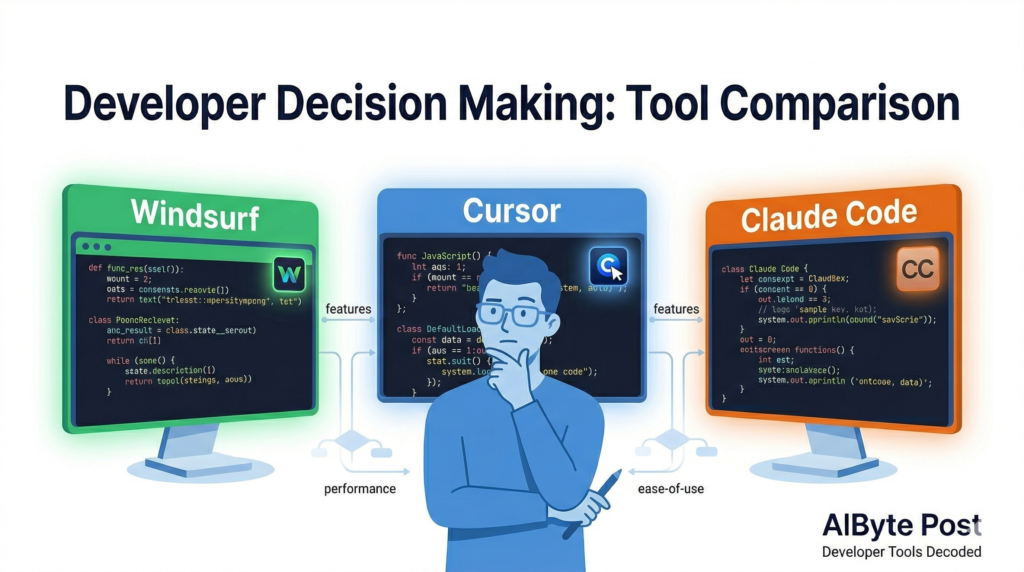
  • Windsurf vs Cursor vs Claude Code: Which AI Coding Tool Is Right for You? (2026)

    Windsurf vs Cursor vs Claude Code: Which AI Coding Tool Is Right for You? (2026)

    If you’ve been paying attention to the developer world lately, you’ve noticed something: AI coding tools are evolving fast — and the competition is getting fierce.

    Windsurf just reclaimed the top spot in March 2026 power rankings. Cursor is still a favourite among indie developers. And Claude Code is quietly becoming the go-to for teams that need serious, long-context coding power.

    So which one should you actually use?

    In this guide, we compare all three across the things that matter most — features, pricing, performance, and real-world use cases — so you can stop second-guessing and start shipping.


    Quick Comparison: Windsurf vs Cursor vs Claude Code

    WindsurfCursorClaude Code
    Best forTeams & power usersSolo devs & indie hackersComplex, long-context tasks
    PricingFree – $60/moFree – $40/mo$20 – $200/mo
    IDEBuilt-in IDEVS Code forkTerminal / CLI
    Multi-agent✅ Yes✅ Yes✅ Yes
    Context windowLargeLarge1M tokens (beta)
    Top AI modelsClaude Opus 4.6, GPT-5Claude, GPT-5Claude Opus 4.6
    Standout featureArena Mode + Plan ModeSpeed & simplicityDeepest code reasoning

    Windsurf — The Full-Stack AI IDE

    Windsurf has held the number one spot in AI dev tool rankings for a reason. It’s not just an AI assistant bolted onto an editor — it’s a complete development environment built around AI from the ground up.

    What makes it stand out

    Arena Mode is one of the most useful features you’ll find in any AI coding tool right now. It lets you run two AI models side-by-side with hidden identities, then vote on which one gave the better result. Over time, this helps you figure out which model actually works best for your specific codebase and workflow — not just which one scores highest on benchmarks.

    Plan Mode adds another layer on top: before generating code, Windsurf plans the task. It breaks down what it’s going to do, checks dependencies, and maps out the approach. This means far fewer surprises mid-generation.

    Parallel multi-agent sessions let you run multiple tasks at once using Git worktrees, so you’re not waiting for one job to finish before starting the next.

    Who should use Windsurf

    Windsurf is the best choice if you:

    • Work in a team and need collaborative editing
    • Want to compare AI models before committing to one
    • Are building complex, multi-file features
    • Want live preview built directly into your IDE

    Pricing

    • Free — Core IDE features, limited AI usage
    • Pro ($20/mo) — Full AI access, multi-agent sessions
    • Teams ($60/mo) — Collaborative features, admin controls

    Cursor — The Developer Favourite

    Cursor is the tool that quietly converted thousands of developers away from their beloved VS Code setups — and for good reason. It feels familiar (it’s built on VS Code), loads fast, and the AI assistance feels genuinely integrated rather than tacked on.

    What makes it stand out

    Cursor’s biggest strength is how quickly it feels natural. If you already live in VS Code, switching to Cursor takes about ten minutes. The Tab autocomplete is consistently praised as the best in class — it predicts not just the next line but multi-line completions that actually make sense in context.

    The Composer feature (Cursor’s equivalent of an agent mode) lets you describe a feature and have it make changes across multiple files simultaneously. It’s fast, and it handles the “I know what I want but I don’t want to click through ten files” problem extremely well.

    Cursor also supports a wide range of models — Claude, GPT-5, Gemini, and more — so you’re not locked into one provider.

    Who should use Cursor

    Cursor is the best choice if you:

    • Are a solo developer or work in a small team
    • Already use VS Code and want a smooth transition
    • Value speed and responsiveness above all else
    • Want strong autocomplete day-to-day

    Pricing

    • Free — 2,000 completions/mo, limited Composer
    • Pro ($20/mo) — Unlimited completions, full Composer, priority access
    • Business ($40/mo) — Team management, SSO, usage analytics

    Claude Code — The Deep Thinker

    Claude Code is different from the other two. It doesn’t live in a GUI — it runs in your terminal as a command-line tool. That might sound like a step backwards, but for certain use cases, it’s actually a significant advantage.

    What makes it stand out

    The key is context. Claude Code is powered by Claude Opus 4.6, which has a 1 million token context window in beta. In practice, that means it can hold your entire codebase in memory while working — not just the file you’re looking at, but all the related files, the test suite, the documentation, the git history.

    For complex refactoring, debugging across large codebases, or understanding how a change in one module affects everything else, this context depth is genuinely unmatched.

    Claude Code also handles multi-step agentic tasks extremely well. You can describe a goal — “add authentication to this API, write the tests, and update the docs” — and it will work through all of it, checking in when it needs clarification rather than making assumptions.

    Who should use Claude Code

    Claude Code is the best choice if you:

    • Work on large, complex codebases
    • Need deep reasoning across many files at once
    • Are comfortable working in the terminal
    • Do a lot of refactoring or architecture work

    Pricing

    • Standard ($20/mo) — Access via Claude Pro subscription
    • Heavy usage ($200/mo) — For teams with high daily usage via API

    Head-to-Head: 3 Real Scenarios

    Scenario 1: “I need to ship a new feature by end of day”

    Winner: Cursor Fast autocomplete and multi-file Composer make rapid feature development feel smooth. The VS Code familiarity means zero context-switching cost.

    Scenario 2: “I’m debugging a gnarly issue across 15 files”

    Winner: Claude Code The 1M token context window means it can actually understand the full scope of the problem. It won’t lose track of what it found in file 3 by the time it’s looking at file 12.

    Scenario 3: “My team needs to collaborate on AI-assisted code”

    Winner: Windsurf Collaborative editing, Plan Mode for predictable output, and Arena Mode for model comparison make it the strongest choice for team environments.


    What About Codex?

    Worth a quick mention: OpenAI’s Codex re-entered the top five AI dev tools in March 2026. Unlike the tools above, Codex runs entirely in cloud sandboxes — it has no local IDE component at all. It handles feature implementation, bug fixes, and test generation in parallel, with deep GitHub integration and automatic PR creation.

    If your team is already deep in the OpenAI and GitHub ecosystem, Codex is worth evaluating alongside Cursor. For everyone else, the three tools above cover most scenarios better.


    The Bottom Line: Which One Should You Use?

    There’s no single “best” AI coding tool in 2026 — it depends on how you work.

    • Pick Windsurf if you want a full IDE experience with the most advanced team and multi-agent features.
    • Pick Cursor if you want the smoothest, fastest day-to-day coding experience with minimal setup.
    • Pick Claude Code if you work on large, complex codebases and need the deepest reasoning and context available.

    And honestly? Many developers are using two of these together. Cursor for day-to-day coding, Claude Code for the hard problems. There’s nothing wrong with that approach.

    Which AI coding tool are you using right now — and what’s made you stick with it? Drop a comment below, we’d love to know!


    Related reading: What Is Agentic AI? The Beginner’s Guide — understand the technology powering all of these tools.

    Bookmark this page — we update our tool comparisons every quarter as the landscape shifts.